Light
Overall contrast, and how far the brightest and darkest tones are pulled.
Ten looks for buildings, interiors and cityscapes, from neutral Clean and high-key Minimal White to Blue Hour skylines and golden Warm Stone.
$9 one-time · instant download · 30-day refund
Get the Architecture pack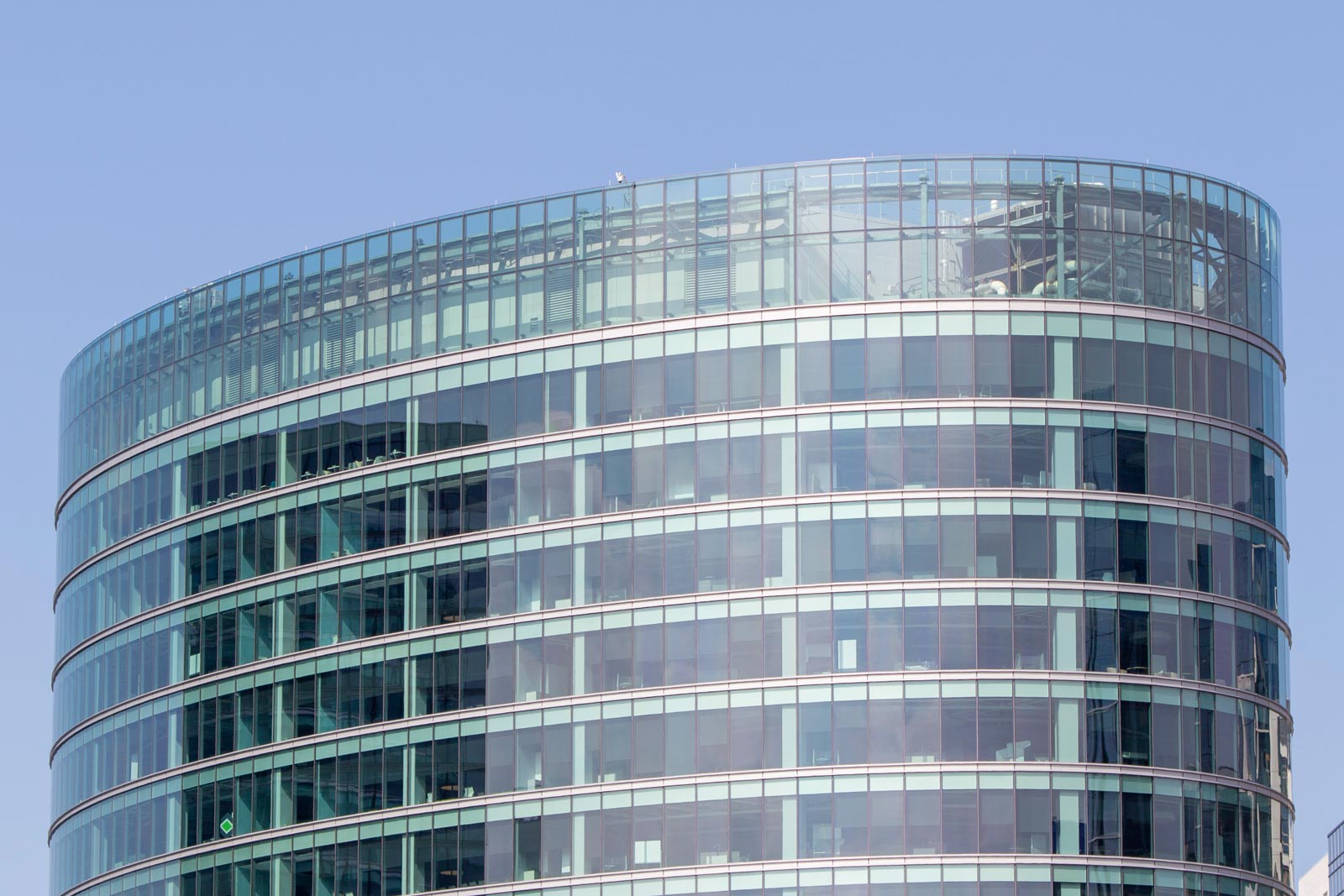
Blue Hour Deep blue skies with warm glowing windows. For dusk and twilight cityscapes.
An approximate preview built from each preset's settings. Drag the handle to compare.
Inside a preset
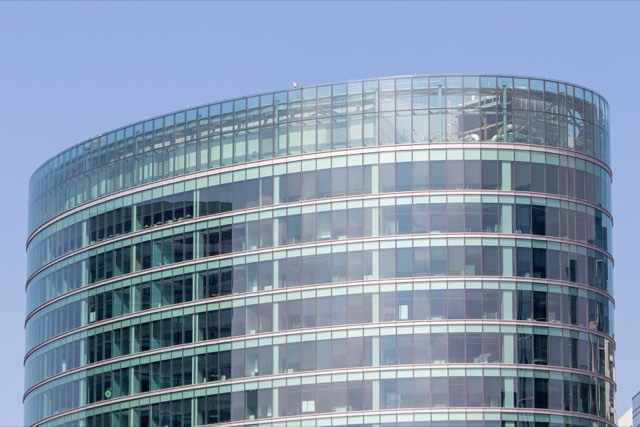
Deep blue skies with warm glowing windows. For dusk and twilight cityscapes. Every setting below comes straight from the preset file, so you can see exactly what it does to a photo.
Overall contrast, and how far the brightest and darkest tones are pulled.
Remaps brightness. Above the dashed line brightens, below darkens.
Shifts each color on its own. Each chip shows the color before and after.
| Color | Hue | Sat | Lum |
|---|---|---|---|
| Red | 0 | 0 | 0 |
| Orange | -6 | +13 | 0 |
| Yellow | -8 | -6 | 0 |
| Green | +42 | -35 | 0 |
| Aqua | +10 | +10 | 0 |
| Blue | +8 | +19 | -13 |
| Purple | 0 | -6 | 0 |
| Magenta | 0 | -23 | 0 |
Tints the shadows, midtones and highlights separately.
Pushes shadows toward blue and highlights toward yellow.
Fine detail, haze and overall color strength.
Darkened corners and film grain, added last.
Moves the base colors before anything else is applied.
One set of .xmp files for every version of Lightroom.
iPhone, iPad and Android
Unzip in Files, then open any photo.
Mac and Windows
Syncs to your phone and tablet.
Version 12.4 or later
Also works in Camera Raw 15.4 or later.
Look for Camera Settings - Architecture in your presets.
If the looks do not suit your photos, reply to your receipt within 30 days for a full refund.
$9 a pack today and next month. The only discount is the bundle.
One ZIP arrives as soon as you check out, with install steps and a guide to every preset.
One set of .xmp files imports into Lightroom Classic, Lightroom on desktop, phone and tablet, and Camera Raw.
The Architecture pack plus the other 9: 100 presets, and a bonus Toolkit of 9 finishing presets you cannot buy on its own.
$39 $90 if bought separately Save $51
Any Lightroom or Camera Raw release from June 2023 onward: Lightroom Classic 12.4 or later, Lightroom on desktop, phone and tablet, and Camera Raw 15.4 or later. Every preset is an .xmp file, and Lightroom on a phone or tablet imports them directly.
Yes. They work on raw files (including Apple ProRAW), JPEG and HEIC from any camera or phone. The presets leave exposure, white balance, profile, sharpening and noise reduction alone, so they behave the same on every file type.
The presets never touch exposure or white balance, so get both right first. Then pick the preset that matches what you shot, not just the name you like, and use the Amount slider to soften a look or push it past 100.
Basic tone and presence, the tone curve, color mixer, color grading, grain, vignette and calibration. Every preset sets the same panels, so switching between them never leaves part of the previous look behind.
Yes. The Complete Preset Bundle has the Architecture pack, the other 9 packs, and the bonus Toolkit for $39.
Checkout runs on Kit, with card processing by Stripe. Card details never pass through this site. Prices are in US dollars. Apple Pay and Google Pay are available where supported.
Reply to your purchase receipt within 30 days and the purchase is refunded in full. Details are in the terms.